Calmd
A calm, offline notes app that helps you write, find, and connect your ideas without feeling overwhelmed.
Intro
Writing is an important part of how I learn. I prefer to understand an idea first, then frame it in my own words. That habit became the starting point for my experiment, Overhawl.
I don’t write down everything I hear or read. When I want to revisit an idea later, I write it on my computer so I can find it again. For passing thoughts, I write them on paper and move on.
Calmd grew out of that distinction. I wanted a writing tool that could help me find what I had written without making me constantly organise it first.
My role
I shaped the idea, designed the product, and built Calmd from the ground up. I worked across the writing experience, search, note links, navigation, plain-text file storage, product writing, and landing page.
Throughout the process, I kept returning to one question: does this help someone write or find what they need without making the whole collection feel like a task?
Solution
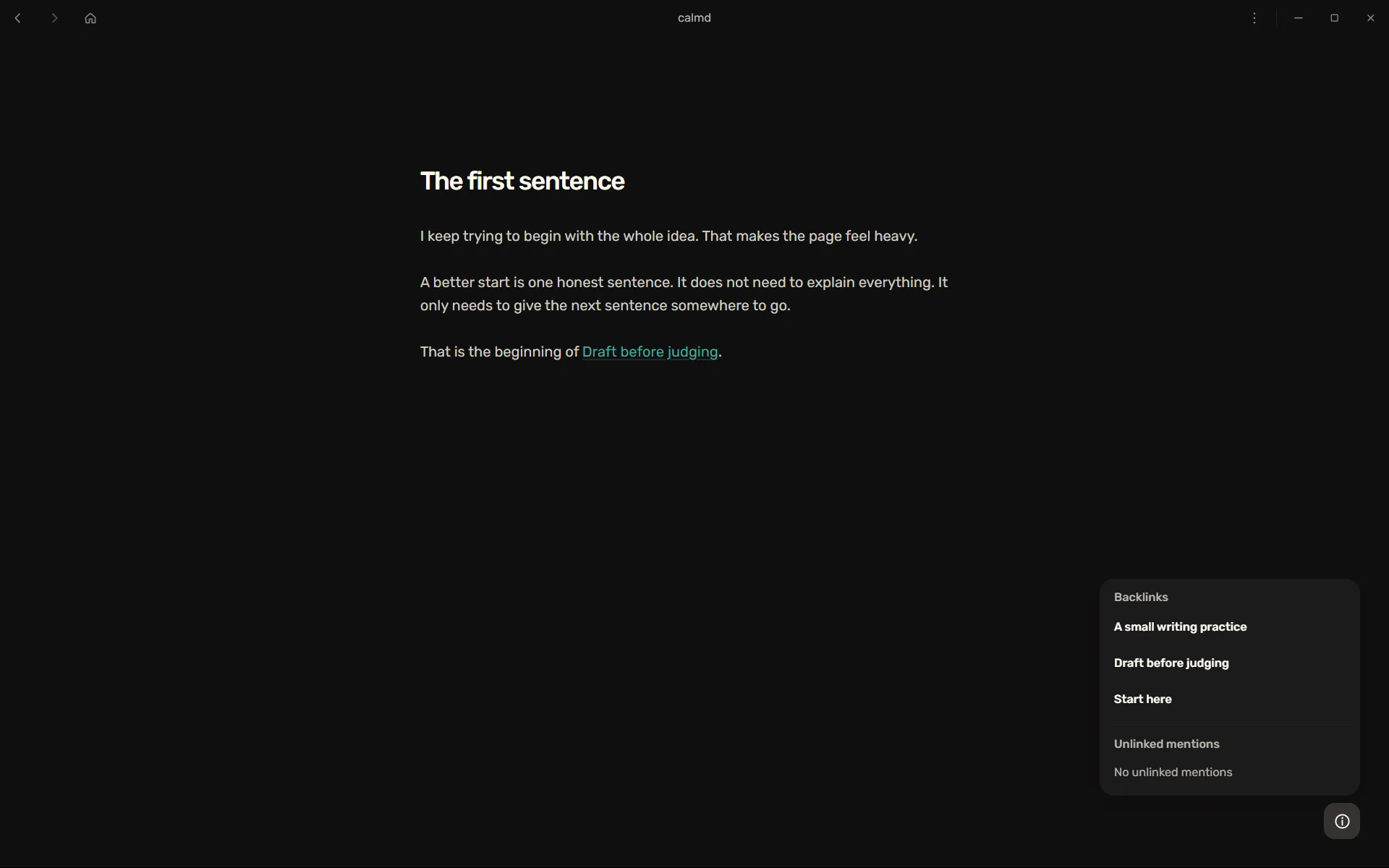
Calmd opens to a blank writing screen instead of a dashboard or list of notes. You can start writing immediately, or type a few words to look for something you have already written.
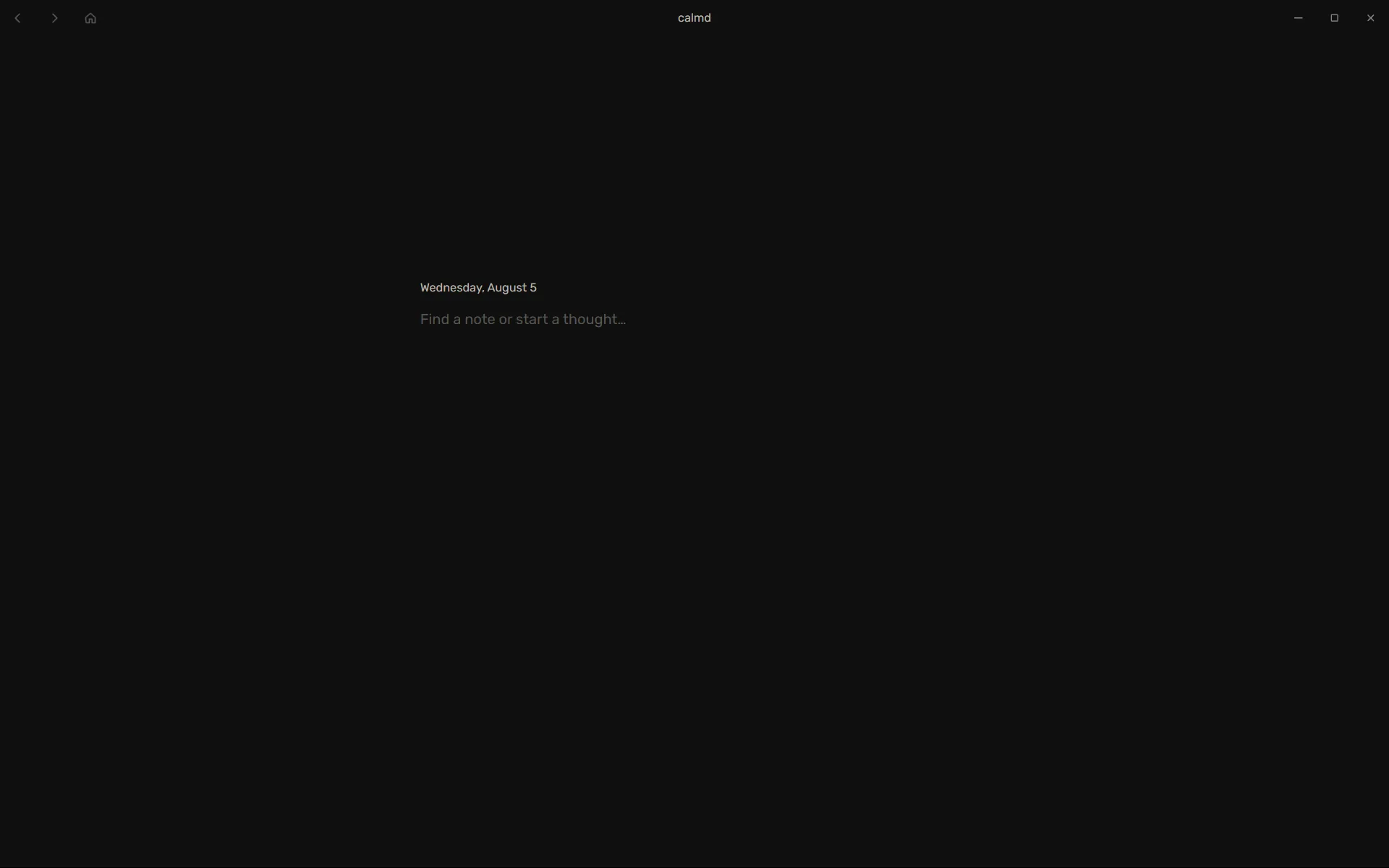
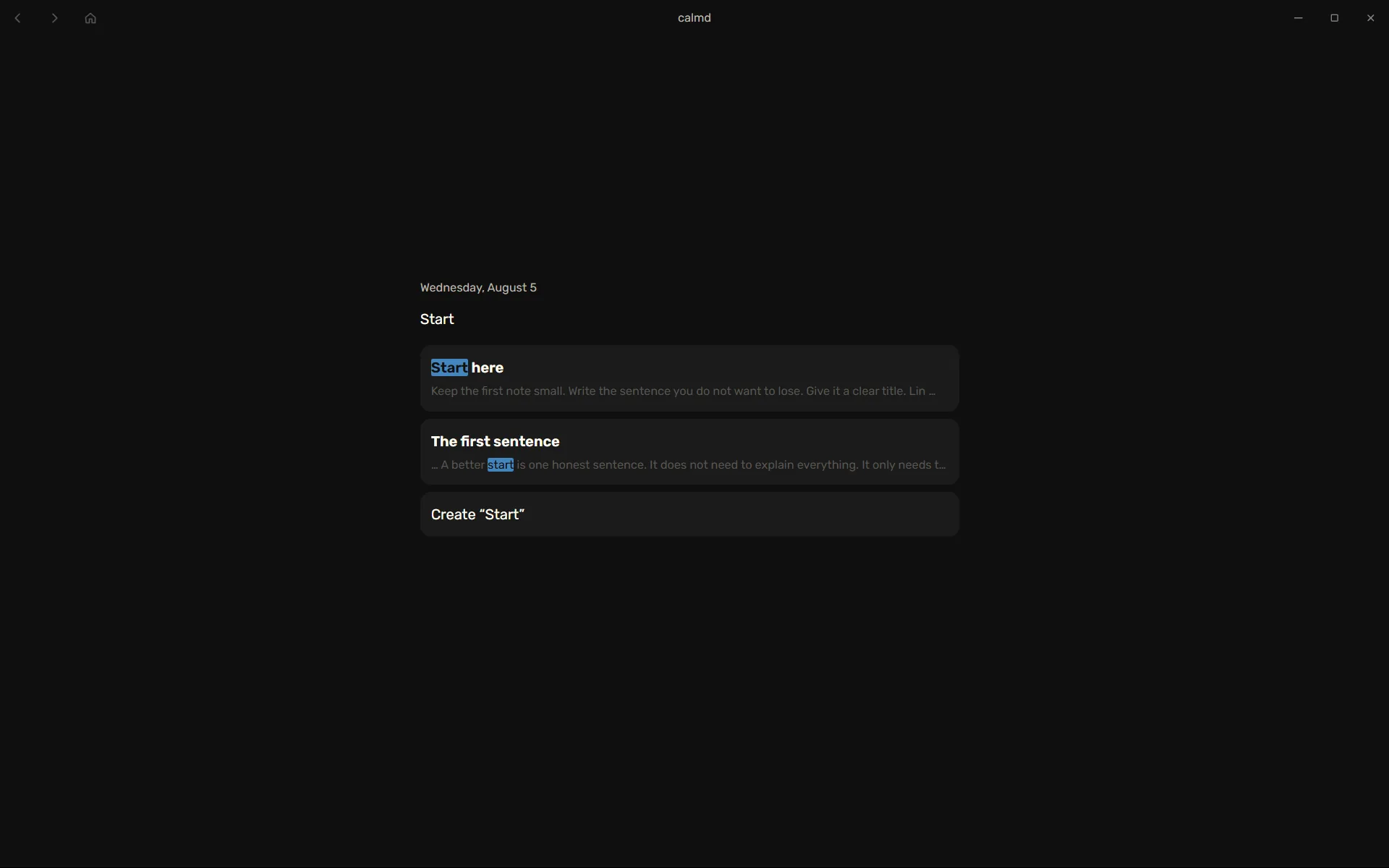
Search is the main way to move through the app. It searches the words in your notes, shows matching results, and gives you the option to create a new note when there is no match.
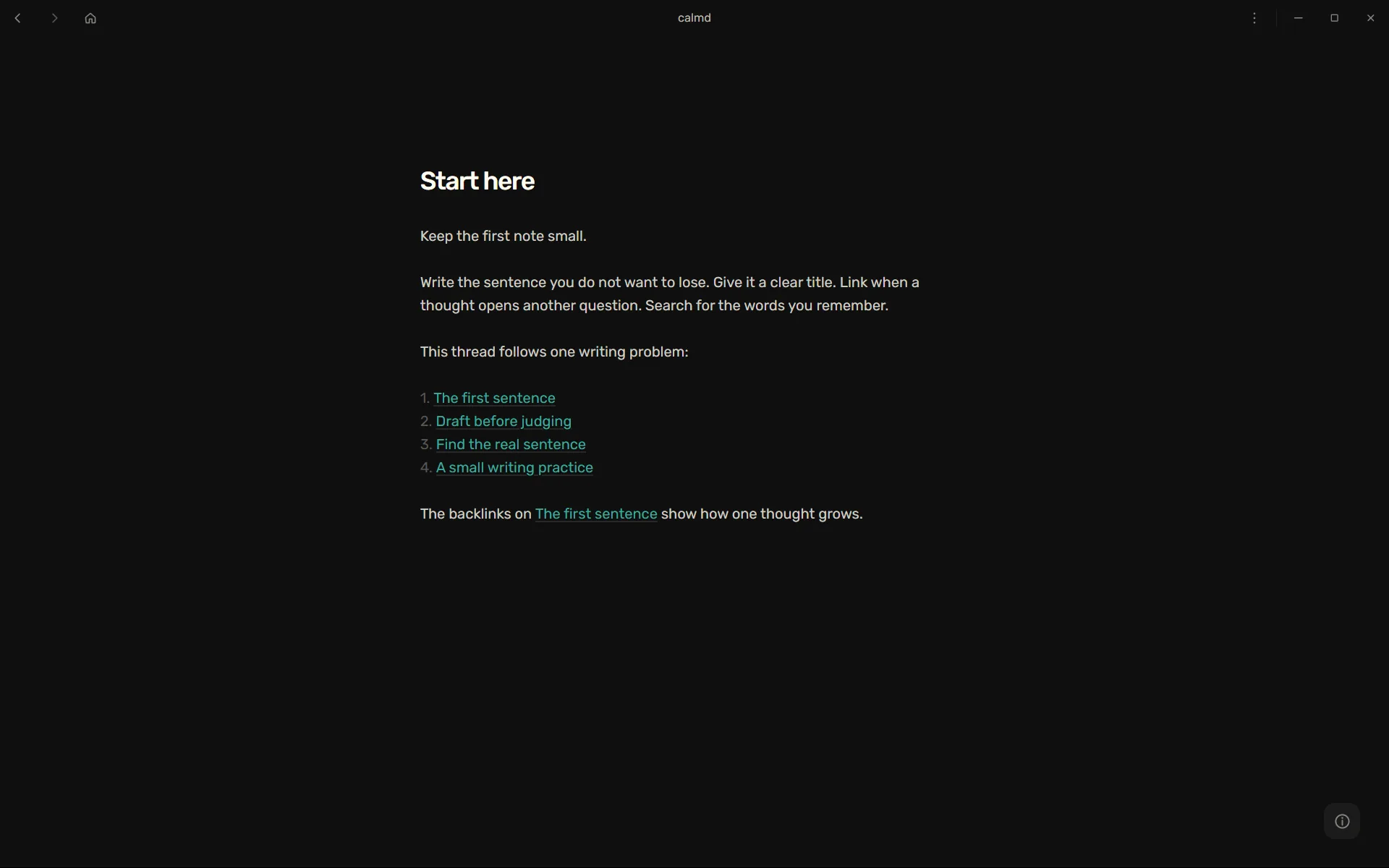
Once you open a note, you can link it to another note and follow those links in either direction. Search helps you return to an idea you remember; links help you notice connections you did not expect.
Process
While building Calmd, I revisited the problems I had faced with Notion, Obsidian, Logseq, Capacities, Word, Google Docs, and Apple Notes. Each tool did something well, so I looked for the ideas worth keeping. But across all of them, the same problem kept appearing: over time, the interface made my collection feel like a responsibility.
Atomic notes solved one part of the problem. Breaking ideas into smaller notes made them easier to write, revisit, and refine. But it introduced a new question: how should I organise all those notes? I did not want to spend more time deciding where information belonged than engaging with the information itself.
That became the goal behind Calmd. I removed the systems that made the collection feel like something to manage: sidebars, folders, tags, properties, graph views, note counts, recent-note feeds, and persistent panels. Search became the primary way to move through the collection.
Notes remain Markdown files in a folder you choose on your computer. Calmd creates indexes for search and links, but it does not own your notes. I also chose simple word search over search that tries to understand meaning because it felt more predictable and lighter. The original files remain the originals, and Calmd can rebuild its indexes when needed.
Lessons
Reducing overwhelm did not mean making Calmd remember less. It meant choosing when to show the size of the collection. Hiding the collection by default makes it easier to start writing without making old notes difficult to find.
Atomic notes made long documents easier to handle, but they also created more pieces to organise. Search was the more important shift. People rarely remember where they put an idea. They remember a phrase or something about it.
I also learned that a writing tool is easier to trust when leaving is easy. Calmd helps you find and connect notes, but they remain Markdown files on your computer. If you leave the app, you can take your notes with you. The app is only the medium.